


Key Takeaways
- Cash tables allow flexible entry and exit during active games.
- Tournaments use scheduled starts and defined prize structures.
- Fast Fold moves players to a new table after folding.
- Cash buy-ins range from 50 to 250 big blinds across listed limits.
- Desktop supports larger multi-table layouts, while mobile supports up to four tables.
- Leaderboards, live chat and table rewards add competitive and social features.
Choose a room that matches your preferred format and bankroll to find a suitable table faster.
Matching a Room Category to Your Session Plan
Different room categories on BCPoker are designed around different session objectives, so choosing the format first can make lobby navigation more efficient. Cash games allow flexible session lengths, tournaments follow scheduled event structures, Fast Fold emphasizes rapid table changes, and private rooms restrict access to selected participants. These formats differ in how players enter and move through a session, not simply in the size of the stakes.
Cash Tables, Tournament Rooms, Zoom and Private Rooms
Cash tables allow players to join an active game and leave when they choose, while tournament rooms follow scheduled events with defined prize structures. Fast Fold moves a player to fresh opponents after folding, private rooms use restricted access, and starter tables combine lower limits with a No HUD policy.
| Room type | 🎯 Best suited to | 👀 Check before joining |
| Cash tables | Players who want control over session length | Stakes, seat count and the table’s current buy-in range |
| Tournaments | Players ready for a structured event | Start time, buy-in, structure and prize information |
| Fast Fold / Zoom | Players prioritizing hand volume | Available stake, variant and bankroll required for the faster pace |
| Private rooms | Friends, clubs or closed groups | Required password or invitation details |
| Starter tables | Players learning the interface and table flow | Available limits and the No HUD conditions applied to the table |
How BCPoker Room Stakes Scale With Buy-In Requirements
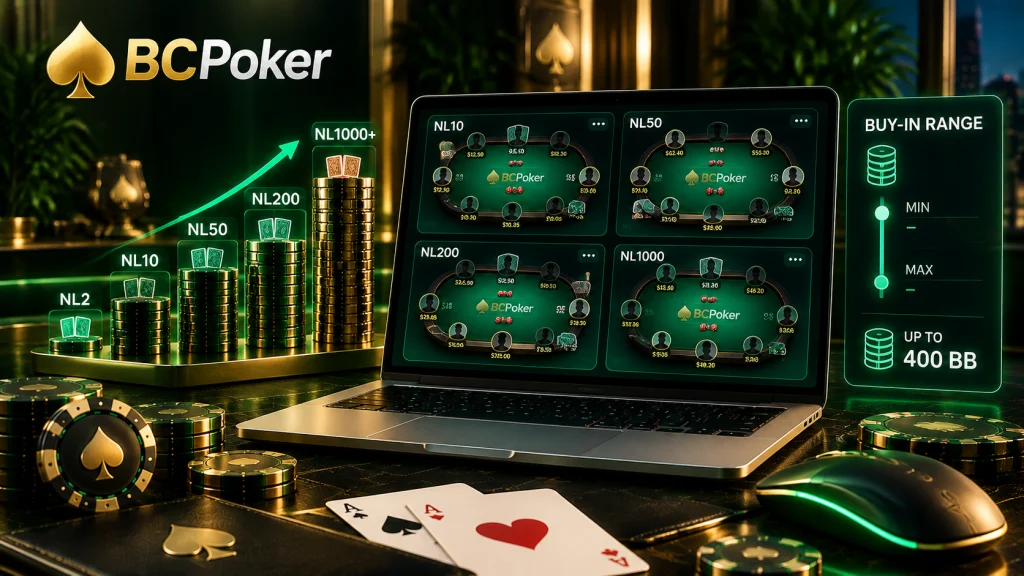
Blind levels provide a useful starting point for comparing cash tables, but they do not establish one universal minimum and maximum buy-in formula across every BCPoker room. Current public room information shows cash stakes extending from micro limits into high-stakes play and states that buy-in depth can reach as much as 400 big blinds. The live table details should therefore be checked before joining rather than assuming the same fixed range applies everywhere.
Check Buy-In Depth at the Selected Limit
The current BCPoker room pages do not support a platform-wide 50–250 BB rule for every cash table. Use the selected table’s displayed minimum and maximum buy-in alongside its blind level when deciding whether it fits the planned bankroll.

The last one was received 3 minutes ago
Getting Started in a BCPoker Room
The route from registration to the first selected room consists of account creation, funding and lobby selection. BCPoker’s crypto-based structure allows the wallet to be funded through supported digital assets before the player enters a cash table or qualifying event.
New users can start with lower-stakes options or freerolls to become familiar with the room interface before considering larger limits.
Account Setup, First Deposit and Choosing a Table
A practical setup sequence is:
- Create a BCPoker profile and confirm the registration details. Activating two-factor authentication adds another security layer before funds are added.
- Open the wallet section and select a supported cryptocurrency for the initial deposit. BCPoker states that more than 100 crypto assets are supported.
- After the balance is available, open the room lobby and select the required game format and stake level using the available filters.
Interface and Multi-Tabling Across Devices
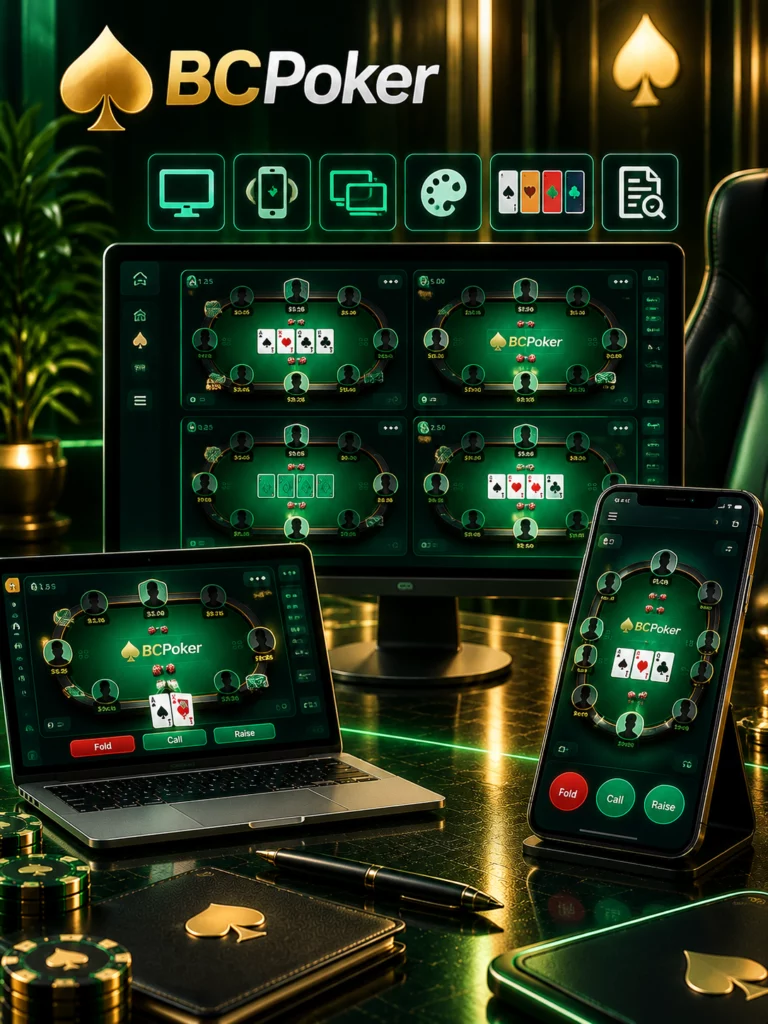
The interface of BCPoker rooms is designed to keep table information clear while giving players several options for adapting the layout. BCPoker provides visual themes, a four-color deck and a Provably Fair verifier within hand history, allowing completed hands to be reviewed directly from the poker environment.
The amount of available screen space affects how multiple tables can be arranged, so desktop and mobile access serve different practical purposes even though both connect to the same room system.
Desktop Grinding vs Mobile One-Hand Mode
The Windows and macOS desktop clients provide more space for simultaneous tables, table positioning and keyboard shortcuts. This layout is better suited to extended sessions where several games need to remain visible at once.
The mobile interface uses a vertical One-Hand Mode with responsive betting controls. BCPoker’s mobile documentation supports up to four simultaneous tables, making the phone interface suitable for players who want access to several games away from a computer.
Community, Rankings and Rewards Tied to Room Activity
Room participation also connects players with social and competitive features outside individual hands. Live communication, performance rankings and selected reward systems give regular activity additional context without changing the underlying game format.
These features are distributed across different areas of the platform rather than being tied to one specific cash-game limit.
The last one was received 3 minutes ago
Leaderboards, Live Chat and Table-Level Bonuses
Live chat is available at individual tables and includes custom emojis and interactive elements. Spin & Go activity can contribute to a daily leaderboard, while monthly MTT rankings evaluate tournament performance over a longer period.
Lucky Drops can also be distributed at qualifying cash tables. Their allocation is separate from the result of the individual hand, so receiving one does not depend exclusively on winning that hand.