


Key Takeaways
- Android access is provided through an APK installation route.
- iOS users can add the BCPoker PWA to the home screen through Safari.
- Mobile access supports up to four tables with smart table focus.
- VPIP and PFR statistics are displayed directly at the table.
- BC Shield includes anti-cheat and player verification measures.
- Wallet, VIP status and tournament participation remain linked to the same profile.
Download the mobile version to access your BCPoker profile directly from your phone.
What the BCPoker App Adds Over the Mobile Browser
BCPoker offers both browser-based mobile access and dedicated mobile installation, so users can choose the method that fits their session. A browser requires no setup and works well for occasional access, while an installed version provides a dedicated entry point and keeps the poker environment separate from ordinary browser tabs. This difference is more relevant during longer sessions when several browser pages are already open.
The mobile interface is arranged specifically around smartphone use rather than simply reproducing a desktop page at a smaller size. BCPoker’s mobile documentation highlights portrait navigation, support for several simultaneous tables and controls designed for quick interaction. For frequent mobile users, the dedicated interface can make table management more convenient.
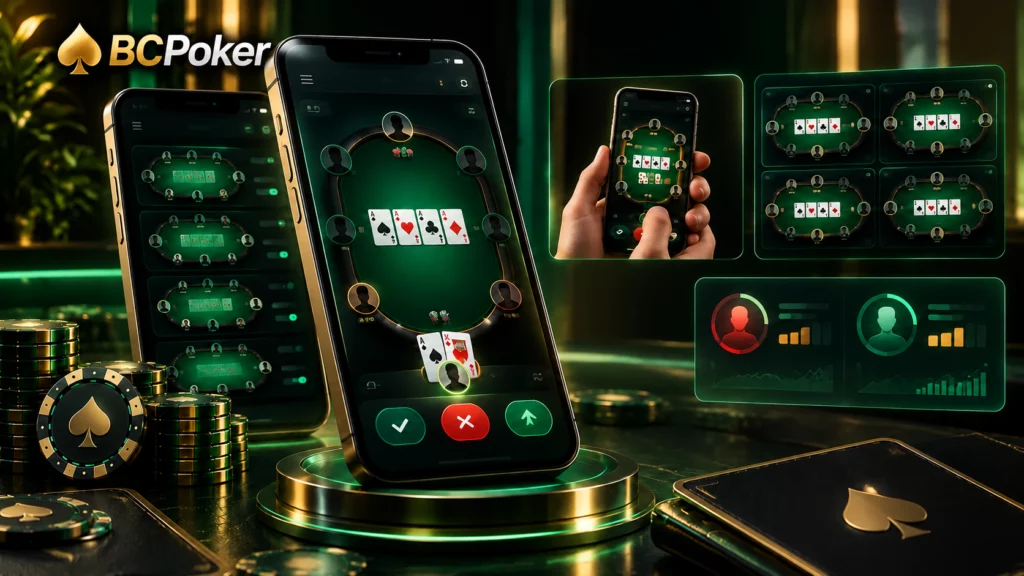
Multi-Tabling, One-Handed UI and Live HUD Stats
The documented mobile interface supports up to four tables simultaneously. Its smart-focus function brings the table requiring attention into focus, reducing manual switching when actions are needed.
The portrait layout is designed for one-handed operation, with betting actions positioned for thumb-based control. BCPoker also documents live VPIP and PFR figures on the table after login, providing compact indicators for assessing opponents’ pre-flop tendencies.

The last one was received 3 minutes ago
How to Complete a BC Poker Download on Android
To access the app on Android, use the direct method of installing the APK file. The BCPoker mobile guide states that the Android package is distributed directly and is approximately 25–30 MB in size. For players downloading the BCPoker app, the direct APK installation method allows them to obtain the necessary mobile package without having to use the traditional method of downloading from the app store.
The exact permission prompts may differ between Android versions and manufacturers. In most cases, the main requirement is allowing the browser or file source to install the package before opening it.
BC Poker APK Installation Step by Step
- Open the official BCPoker website on the Android device and go to the Download section.
- Select the Android option and begin the BCPoker APK download. The published mobile guide lists the package at approximately 25 to 30 MB.
- If Android displays a security warning, open the relevant settings and allow the browser or selected source to install applications from outside the standard store environment.
- Locate the downloaded APK, normally in the Downloads folder, and tap it to start the installation.
- Complete the installation and open the new BCPoker icon.
- Sign in with the existing BCPoker credentials or complete registration when creating a new profile.
BCPoker Download for iOS Without the App Store
The iOS installation method is based on Progressive Web App technology. Instead of downloading a conventional App Store package, users open BCPoker in Safari and save the service to the device’s home screen. The shortcut provides a dedicated mobile entry point without requiring a traditional iOS application package.
This setup is useful for users who want a permanent icon while keeping the installation process within Safari. Once the shortcut is created, players can get BC Poker on the home screen and open the platform directly alongside their other mobile applications.
Adding the Platform to Your iPhone Home Screen
- Open Safari on the iPhone or iPad and visit the official BCPoker website.
- Tap Safari’s Share icon.
- Select Add to Home Screen from the available actions.
- Confirm the shortcut when iOS displays the installation prompt.
- Return to the home screen and open the new BCPoker icon to launch the PWA interface.
- Complete the login process and, where supported, use Face ID or Touch ID for faster authentication.
Security Features Built Into the BCPoker App
BCPoker describes mobile protection as part of its wider security framework. Its published materials reference SSL encryption, two-factor authentication and systems intended to identify suspicious activity. The Trust section also outlines measures covering account protection, game integrity and verification of random card generation.
The mobile documentation also describes player-control tools such as deposit limits, wagering limits, voluntary exclusion and session alerts. These functions address account usage alongside the technical safeguards applied to the connection and poker environment.
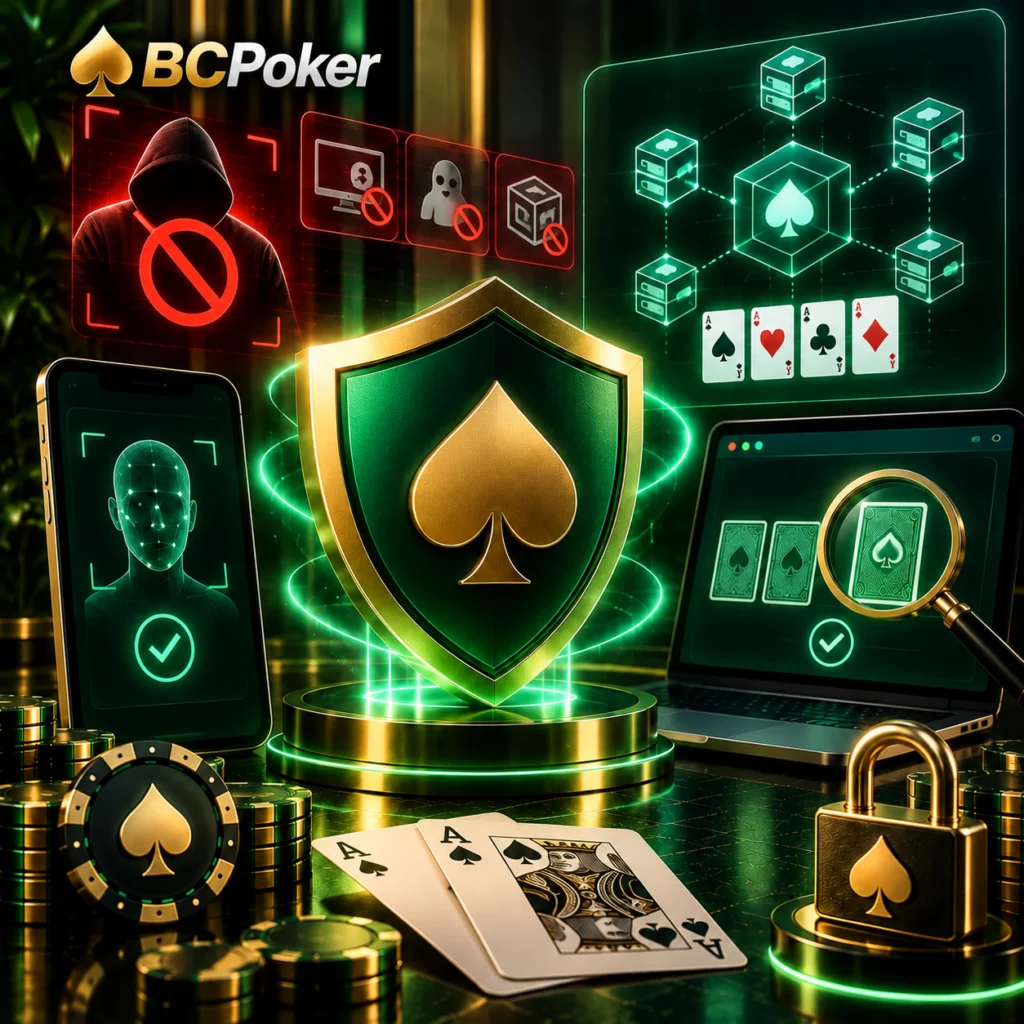
BC Shield Anti-Cheat and Provably Fair RNG
BC Shield is described as a multi-layer anti-cheat system. BCPoker’s documentation states that it can detect remote-access and ghosting software, identify emulators and virtual machines, and use liveness checks to determine whether a real person is operating the session.
For card generation, BCPoker describes a decentralized random-number system using KECCAK-256 hashing. The Trust section states that completed hands can be independently checked and that players can inspect undealt cards as part of the verification process. The platform also states that its RNG software is fully audited.
Cross-Device Continuity Between App and Desktop
The mobile route connects to the same account environment used on desktop and web access. Installing the mobile version therefore adds another method of reaching the existing profile rather than creating a separate mobile service. This is useful for users who alternate between larger and smaller screens.
A device change does not require a second identity on the platform. With the BCPoker App, the same account remains the central point for supported access methods, while the mobile interface provides a direct route from the smartphone.
Syncing Balance, VIP Status and Active Tournaments
BCPoker’s mobile documentation specifically refers to synchronization of the wallet, VIP status and active tournament participation. These elements remain associated with the player profile rather than with the particular device.
This is especially relevant when a tournament is already in progress. Moving to another supported device changes the access method, while the tournament entry remains connected to the same profile.
The last one was received 3 minutes ago
Common BCPoker App Download Problems and Fixes
Mobile installation problems usually come from device configuration rather than the poker service itself. Android can restrict APK installation until the relevant permission is enabled, while Apple’s PWA setup depends on using the correct browser. Connection routing and available system resources can also affect access.
Install Blocked, Freezing and Region Restrictions
| Problem | Typical cause | Recommended action |
| Android installation is blocked | Security permission prevents APK installation | Allow the selected browser or source to install the package in Android settings |
| APK does not install correctly | Incomplete or damaged download | Delete the file and download it again from the official BCPoker route |
| App freezes or becomes slow | Limited system resources or cache buildup | Clear the application cache and ensure sufficient available RAM |
| IP restriction message | VPN routing or a connection associated with a restricted location | Disable an unsuitable VPN connection and reconnect through the normal network |
| iOS icon is missing | PWA setup was attempted outside Safari | Repeat the process through Safari and use Add to Home Screen |
| Login fails after installation | Incorrect credentials or an account-level problem | Recheck the existing login details and account status |
BCPoker’s mobile documentation recommends at least 2 GB of free RAM when troubleshooting freezing or lag and identifies VPN routing as a possible source of IP restriction messages.